Image Shortcut
Pin any photo to your home screen for instant one-tap access.

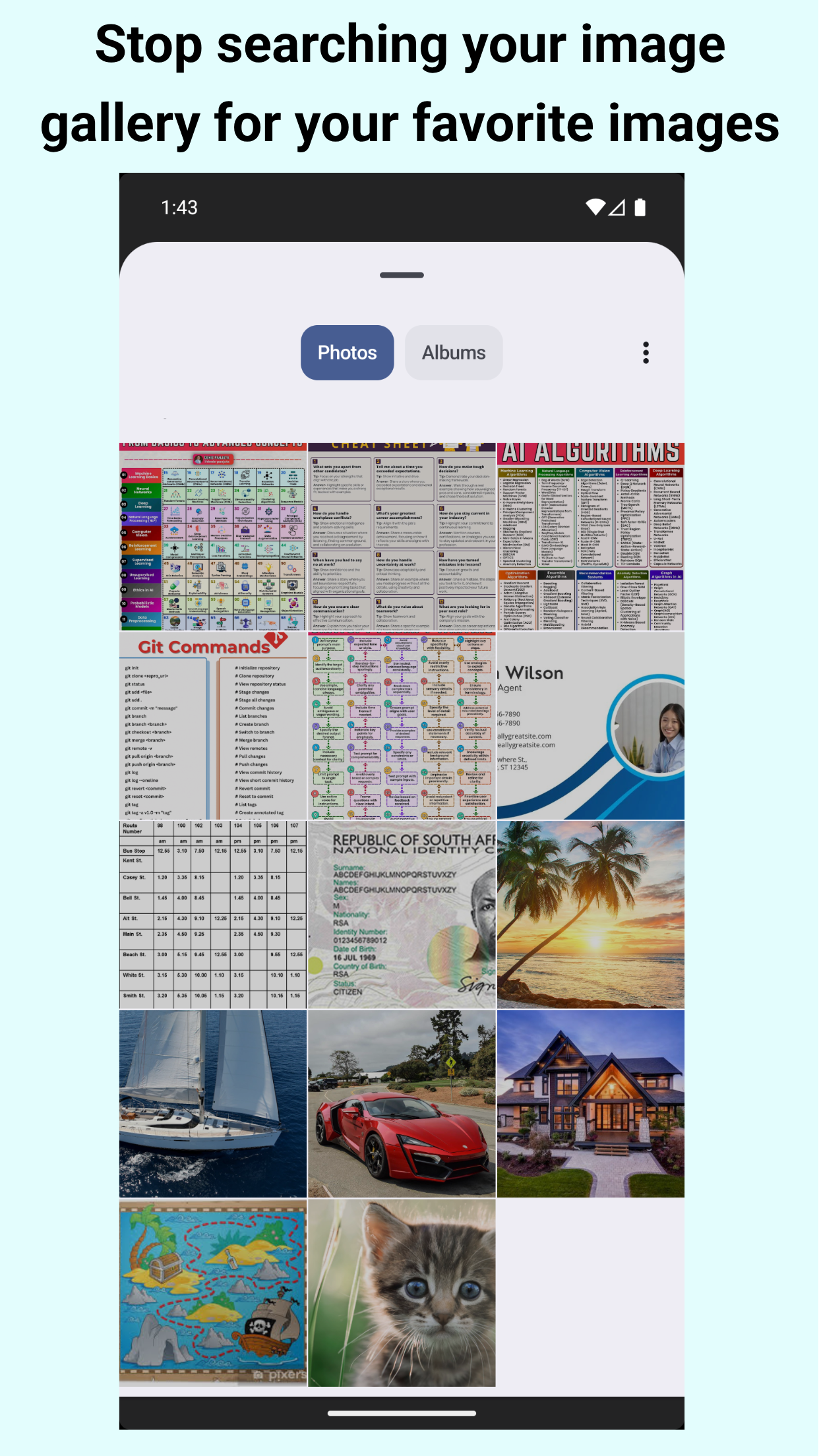
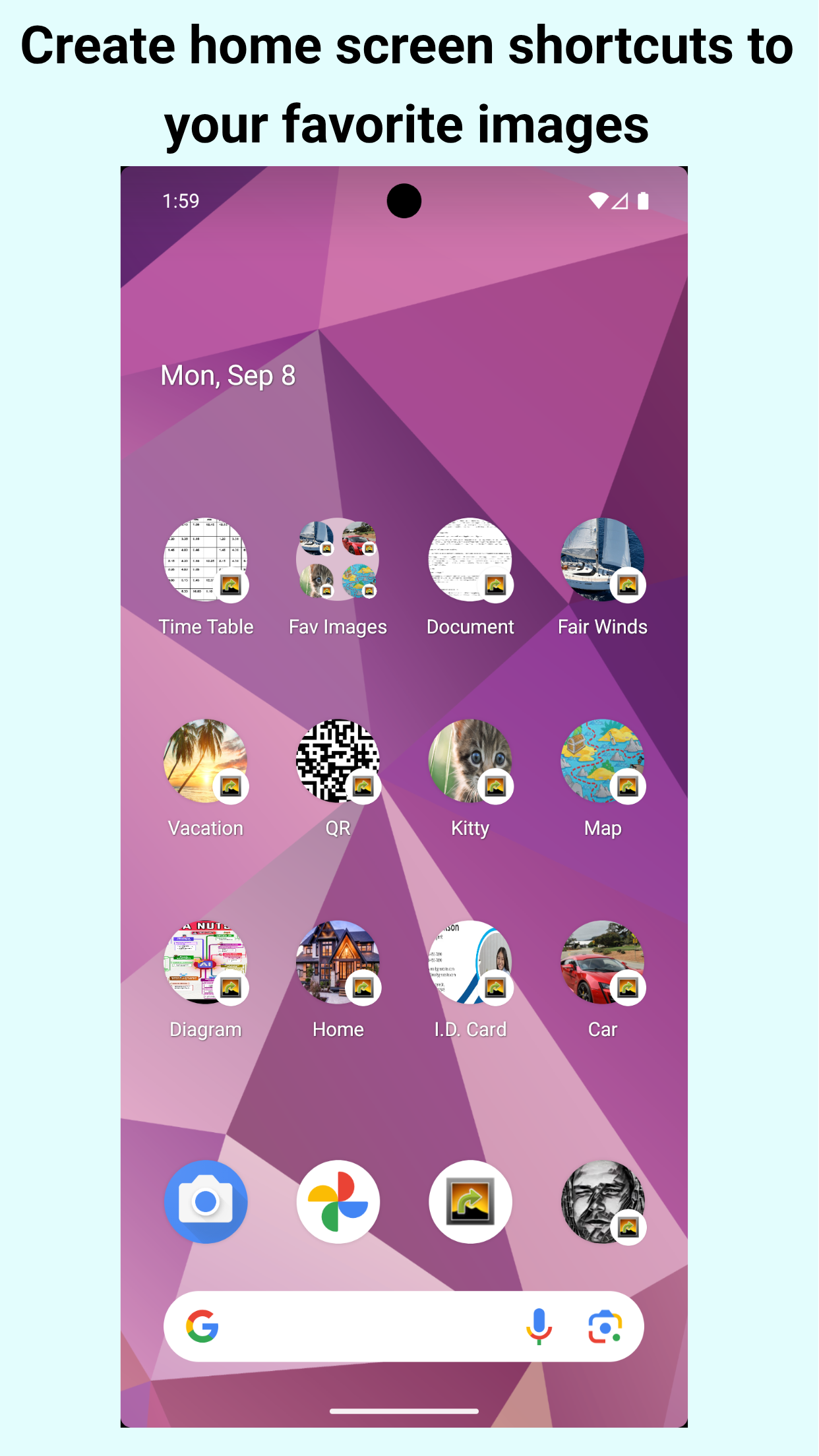
Stop hunting through your gallery. This app lets you create home screen shortcuts to the exact images you use the most, so you can open them instantly with a single tap.
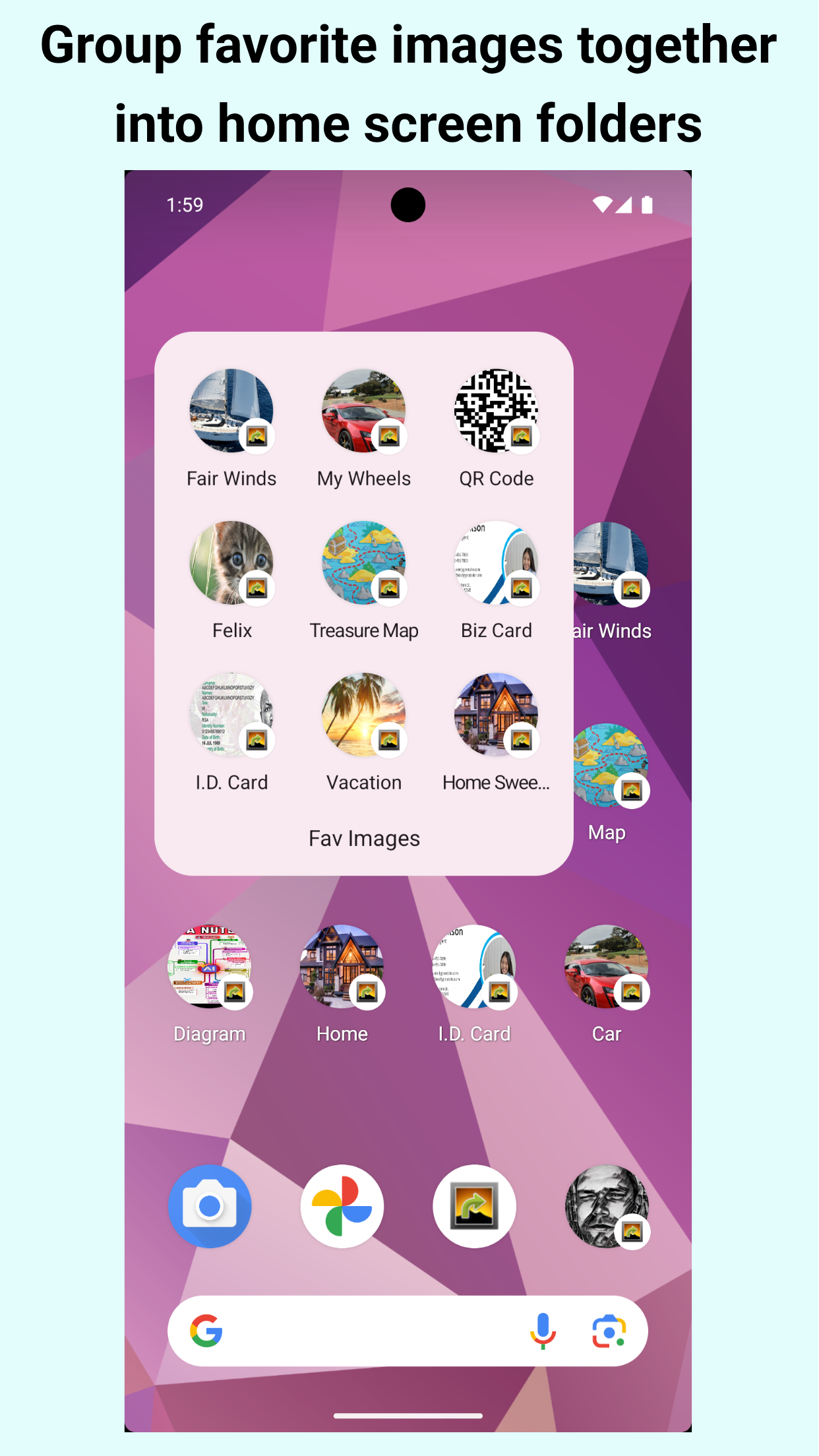
Unlike widgets, shortcuts can be grouped together into folders to save home screen space.
Perfect for:
- QR codes (Wi-Fi, contact, menu)
- Tickets & passes
- ID, membership, and loyalty cards
- Work reference images, diagrams, and notes
- Frequent screenshots (receipts, order numbers)
- Favorite photos you want at your fingertips
Why you’ll love it
- Instant access: Jump straight to the image—no scrolling, no searching.
- Stay organized: Keep important images front and center on your home screen.
- Works offline: Your shortcuts open files stored on your device.
- Lightweight and simple: Focused on one job and does it fast.
How it works
- Open the app and pick any image from your gallery.
- Add it as a shortcut to your home screen.
- Tap the shortcut anytime to view the image immediately.
Preview
Reviews
Google Play user:
Should be stock with Android! Works as stated. Simple and efficient.
Google Play user:
Worked great. Lightweight and can put shortcuts in folders since it's not a widget.
Frequently Asked Questions
If I close or delete the image after creating a shortcut, what happens?
A local copy of the image is kept so the shortcut always keeps working.
If I delete the shortcut, what happens to the local copy of the image?
Unfortunately the launcher does not inform any app when shortcuts are deleted. Whenever Image Shortcut runs or the device starts, it checks which shortcuts have been removed and deletes the corresponding images.
There is no advertising and no in-app purchase. Do you make any money on this?
No, only spending money. To contribute to reducing my losses please consider sponsoring

Privacy policy
This software does not collect, store, share, or use any personal or sensitive user data.
Permissions
Receive boot completed - Remove unused images that no longer have shortcuts
App Stores


Development
Package Name: arnodenhond.imageshortcut
Version Code: 11
Release Date: 2025 September 07
GitHub




Technologies used
ShortcutManager Create new shortcut and get list of existing shortcuts.
PhotoPicker Select an image from the device storage or Cloud media app.
Requirements
Android version 13 (API Level 33) or higher
A launcher (home screen) that supports shortcut pinning
Android Photo Picker (optionally with access to your Cloud media app)
An image viewer app
Change Log
v11 : 2025-08-25 Reboot in Kotlin. Generated by Artificial Intelligence. PhotoPicker, ShotcutManager, Local copy of image
v10 ~ v11 : 2016-07-05 ~ 2017-08-27 Video Shortcuts, Shortcut Title
v2 ~ v9 : 2011-08-17 ~ 2013-02-04 Google Code
First version: 2011-05-31
Latest version:
